Below, Rusted Gods Operator Checklist
A repeatable pre-flight and mid-shift list for every descent.
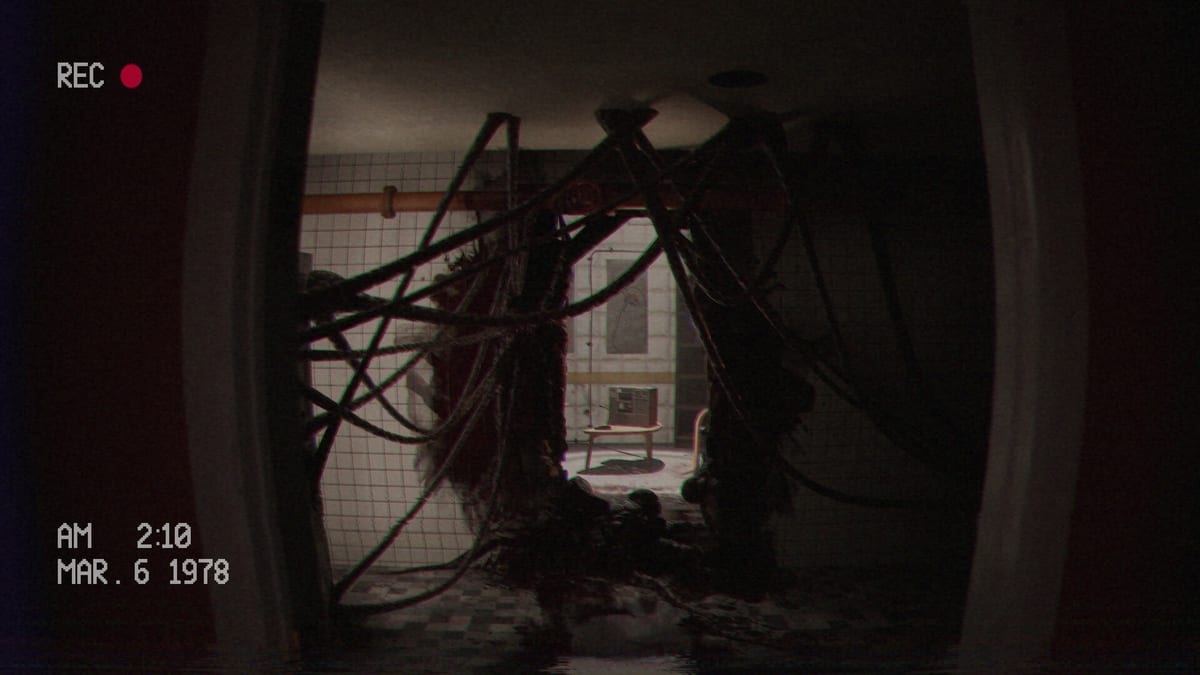
Use this checklist at the start of every Below, Rusted Gods session and after every major scare. It encodes the habits taught across Getting Started, Terminals & Radio, and How to Progress.
Pre-flight (before unpausing)
- Headphones connected; dialogue audible
- Controls verified for today’s device
- Wishlist / demo install confirmed if needed (Release & Demo)
- Specs sanity-checked (System Requirements)
- Spoiler policy chosen (avoid Endings if clean run)
Desk loop (repeat each cycle)
- Listen to the full radio beat without multitasking
- Check status readouts
- Sweep radar
- Finish any frequency / radio prompt
- Note new anomalies in one short line
Media loop
- Collect new cassettes in reach
- Play each tape fully (Cassettes & Lore)
- Skim transcripts if audio is unclear
Facility loop
- Stand and scan for newly highlighted doors
- Inspect bathroom / peephole style prompts when audio suggests “look”
- Return to desk and re-run the desk loop
Soft-lock recovery
- Replay last minute of audio
- Full instrument cycle again
- Open How to Progress
- Compare progress to Demo Walkthrough phases
End-of-session
- Screenshot confusing UI for later
- Skim Launch News if near release week
- Update personal notes on decisions for future branching runs
How to keep it honest
Do not tick boxes you skipped. The checklist fails when you lie to it. Pair with Operator Station until the geography is muscle memory, then keep this page alone on a second monitor.
Operators with rituals last longer. The abyss prefers the improvised.
Why checkboxes beat memory
Fear compresses working memory. A written loop restores it. If you refuse to tick honestly, the list becomes theatre—and the bathroom cue returns. Pair honesty with Getting Started mindset coaching.
Customizing the list
Add one personal line for your worst habit (“replay last radio verb”). Remove nothing from the core desk loop until the full game proves a machine obsolete—confirm via Patch Notes. Mechanical definitions: Terminals & Radio. Layout: Operator Station. Inputs: Controls. Tapes: Cassettes & Lore. Stuck flow: How to Progress. Route compare: Demo Walkthrough.
Campaign integration
Use the list in demo and retail. On launch week, prepend Release & Demo and System Requirements checks. Skim Launch News. Avoid Endings until finished. Recalibrate desire with Review. Hubs: Tools, Guides, Systems, Overview, Updates.
Operators with rituals last longer. The abyss prefers the improvised.
Team watch-alongs
If you stream or watch with friends, assign one person as checklist captain. They tick boxes while the Operator plays. This prevents chat from skipping tapes or radar sweeps. Captains should know Terminals & Radio and How to Progress. Players still own Controls and Operator Station. Lore support: Cassettes & Lore. Onboarding: Getting Started. Demo compare: Demo Walkthrough. Meta: Release & Demo, System Requirements, Review, Launch News, Patch Notes. Spoilers only with consent: Endings. Hubs: Tools, Guides, Systems, Overview, Updates.
Versioning your list
Save dated copies of customized checklists (2026-07-demo, 2026-07-29-retail). When Patch Notes change machines, fork a new copy instead of silently editing history. That archive becomes your personal Operator memoir beside Cassettes & Lore notes and Terminals & Radio habits. Also reread Getting Started, Controls, Operator Station, How to Progress, Demo Walkthrough, Release & Demo, System Requirements, Review, Launch News, and keep Endings sealed until finished.
Frequently Asked Questions
Quick answers for operators preparing for the descent.
Can I print this page?
Yes—use your browser print dialog. The checkbox list is designed for paper or a second screen.
Does the full game need a different list?
Expect additions after launch branching systems; watch [Patch Notes](/updates/patch-notes/).
Where do I learn what radar means?
See [Terminals & Radio](/guides/terminals-and-radio/).
What if I am stuck mid-list?
Jump to the soft-lock recovery section and [How to Progress](/guides/how-to-progress/).