Below, Rusted Gods Radar & Status
Read the pings and vitals before you trust the silence.
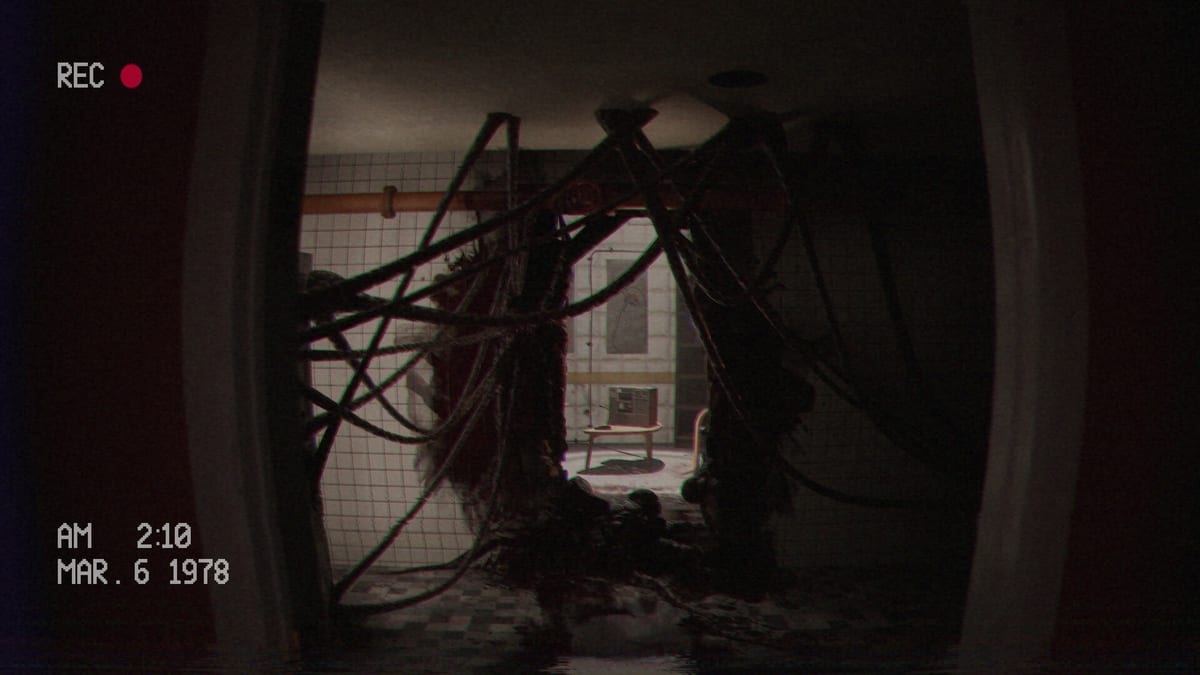
Every Operator learns the radio first and the radar second—or pays for reversing that order. Below, Rusted Gods splits actionable speech (radio), spatial dread (radar), and squad readiness (status) across separate panels so multitasking becomes the horror. Terminals & Radio teaches the combined console loop; this guide zooms in on radar pings and status monitors so you can interpret instruments without duplicating frequency tutorials. Master this page alongside Operator Station layout notes and the Operator Checklist.
Why radar and status deserve their own manual
Demo players describe radar as the tool that turns uneasy silence into actionable dread—something is near the squad that voices have not named yet. Status answers a different question: Are they hurt, separated, or operational enough to follow your next order? Confusing the two produces bad calls: chasing radar blips while vitals scream, or staring at green status while radar shows movement in the facility behind you.
| Instrument | Primary question | Common mistake |
|---|---|---|
| Status | Can they execute the next order? | Treating color/state as cosmetic |
| Radar | Is something present they cannot see? | Panic sweeping every second |
| Radio | What verb did they receive? | Covered on Terminals & Radio |
Status monitor literacy
Status feeds aggregate readiness cues—injury undertones, separation implications, and sometimes disagreement with what the squad says emotionally. Habits:
- Glance after every radio beat, not only during combat-adjacent audio.
- Compare status to words. If voices sound fine but status flickers, trust instruments long enough to ask a clarifying frequency check.
- Log changes on paper or the checklist. One-line deltas (“status amber after bathroom”) help when soft-locks arrive later—see How to Progress When Stuck.
- Do not leave the desk while status is mid-transition unless audio explicitly sends you walking.
Status is slower theater than radar; it rewards patience more than reflex.
Radar ping interpretation
Radar in Operator fiction is never a clean minimap. Expect pings, sweeps, and ambiguous proximity rather than labeled enemy icons. Use radar when:
- Movement audio spikes under static.
- The squad whispers about shapes or distances.
- Radio silence follows a completed status check.
- You suspect facility-side presence, not only abyss feed—pair with Facility Exploration.
Avoid radar addiction: sweeping continuously desensitizes you to real changes. A disciplined cadence—sweep after status, sweep after major lines—matches how experienced playtesters describe the demo loop in Demo Walkthrough phases.
Pairing radar and status in one breath
Try this micro-loop when tension rises:
- Freeze radio dial movement until the current sentence ends.
- Status snapshot: any new warning state?
- Single radar sweep: new ping or bearing shift?
- Only then respond on radio or stand for facility inspection.
Encode the loop on the Operator Checklist. If step four never arrives, replay audio—Headphones & Audio—before blaming instruments.
When instruments disagree
Disagreement is authored. Examples operators report:
- Radar activity near the facility while status looks stable—may foreshadow exploration gates.
- Calm radar during frantic voices—may mean interference, not safety.
- Status degradation without radar contact—may prioritize medical or separation responses on radio.
Document the triple (status, radar, last line heard) before reloading saves. Branching retail may amplify disagreements—Decisions & Branching—without spoiling endings here.
Radar/status versus tapes and exploration
Cassettes explain why instruments lie or lag; they rarely replace live sweeps. Play tapes between crises on Cassettes & Lore, then return to radar/status discipline. Walking the facility without a recent sweep wastes the desk’s advantage—re-run the micro-loop when you return through the door.
Steam Deck and readability
Steam Deck Verified (July 20, 2026) keeps UI legible at default scale; radar and status remain readable on handheld if you resist shrinking HUD in unofficial ways. Portable play still demands headphones. Details: Steam Deck Verified and Controls.
Launch eve and full-game depth
FromSouthGames promised expanded machine functionality for retail. Radar and status may gain interactions after July 29, 2026 patches—track Patch Notes and Launch News. Until diffs arrive, demo-trained cadence remains valid.
Related pages
- Terminals & Radio — frequency work and combined console loop
- Getting Started — first-hour Operator mindset
- Operator Station — physical panel placement
- Achievements & Collectibles — exploration rewards tied to thorough sweeps
- Supported Languages — subtitle clarity for status text
Read the ping. Read the vitals. Then speak.
Failure modes specific to radar/status
Status tunnel vision: Watching vitals while missing a radar cue to inspect the facility. Radar panic: Sweeping so fast you miss radio verbs. False calm: Assuming idle radar means story idle—check tapes and exploration authorization. Split attention on launch day: Stream chat overlays covering status corners—disable during learning runs per Day-One Checklist.
Recovery always returns to audio first, then status, then radar, then radio response.
Practice drill (ten minutes)
Boot the demo, mute external distractions, and run three consecutive micro-loops without leaving the chair. Note on the checklist whether radar pings arrive before or after specific radio phrases. That personal timing map beats any generic walkthrough once retail branching appears.
Hubs and launch stack
Guides, Systems, Tools, Overview, Updates. Store facts: Release & Demo. Specs: System Requirements. Community: Discord & Community. Spoilers: Endings sealed until ready.
Instruments do not lie together often. When they do, you are usually one radio line away from truth.
Frequently Asked Questions
Quick answers for operators preparing for the descent.
Should I check radar or status first?
After hearing the radio beat, check status for readiness, then radar for proximity—unless the game highlights another panel.
How is this different from Terminals & Radio?
That page covers the full console including frequencies. This page deep-dives radar pings and status monitors only.
Can radar show facility threats?
Demo culture suggests radar matters for nearby presence; pair sweeps with [Facility Exploration](/systems/facility-exploration/) when authorized.
Why does status look fine while voices panic?
Instruments and emotion can desync by design. Keep listening and log the mismatch before reloading.
Will radar change after launch?
Developers plan expanded machine interaction. Revisit this guide when [Patch Notes](/updates/patch-notes/) mention terminal updates.