Below, Rusted Gods Systems & Station Manuals
Controls, consoles, and cassette workflows for the Operator desk.
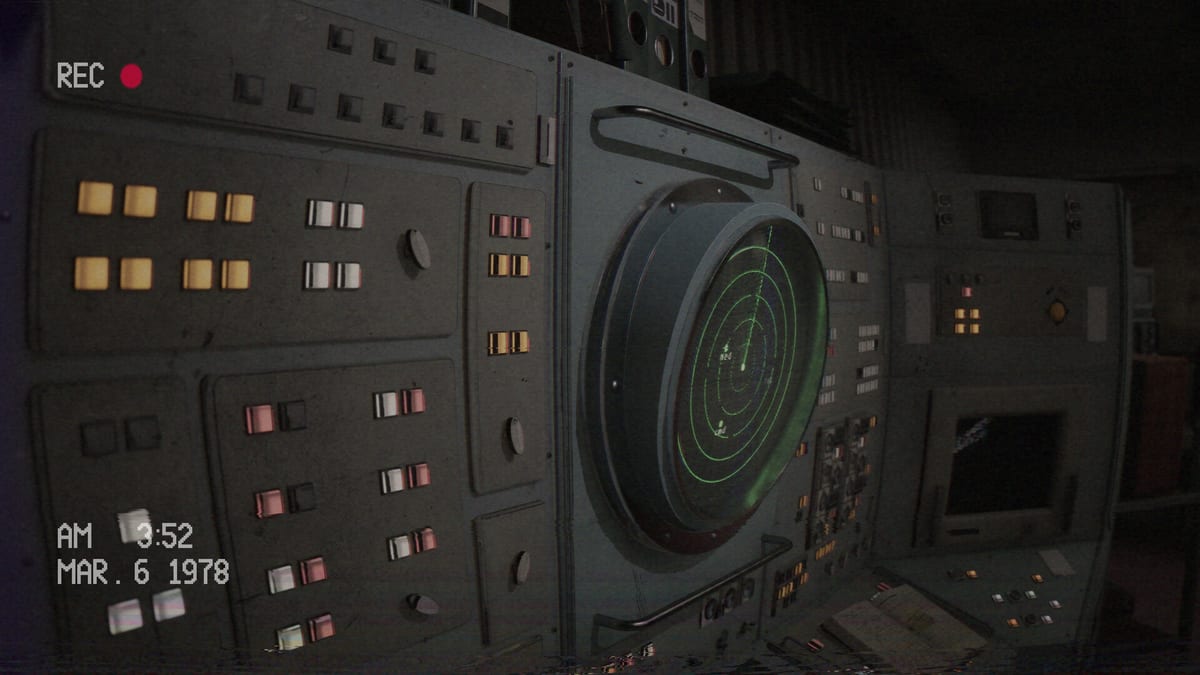
The Systems Hub collects mechanical literacy for Below, Rusted Gods: how you move and interact, how the Operator station is arranged, and how cassette media feeds the horror. Use it beside the Guides Hub whenever a tutorial assumes you already know which panel is which.
Pages in this hub
- Controls — keyboard, mouse, and controller expectations with full-support notes from Steam.
- Operator Station — spatial layout of monitors, radio, radar, and side gear.
- Cassettes & Lore — why tapes matter and how to process facility media without rushing.
- Facility Exploration — when to leave the desk, bathroom/peephole beats, and anomaly checks.
- Achievements & Collectibles — exploration rewards, May 2025 Steam news, spoiler-light hunting habits.
How systems connect to play
Guides teach decisions; systems teach affordances. If Terminals & Radio feels abstract, return here for physical orientation. If you soft-lock, combine How to Progress with a fresh look at station layout. Keep the Operator Checklist synced with these manuals during long sessions.
Pre-launch note
Bindings and machine depth may expand after the July 29, 2026 release. Revisit this hub when Patch Notes mention control or terminal changes. For platform facts, see System Requirements and Release & Demo.
Master the desk before you trust the abyss.
How Systems differs from Guides
Guides answer “what do I do in this moment?” Systems answer “what can this machine do at all?” Keep both hubs open during a difficult shift: Guides Hub for scenarios, this hub for literacy. When a walkthrough says “sweep radar,” Operator Station tells you where to look, Terminals & Radio tells you why, and Controls tells you which button confirms.
Building desk fluency
Fluency is naming devices without screenshots. Drill a five-minute loop: status, radar, radio, cassette, short facility walk, return. Encode it on the Operator Checklist. If the loop breaks on a prompt, fix bindings before blaming story gates (How to Progress).
Media as a system
Cassettes are systems, not cutscenes. Cassettes & Lore explains processing order so you do not hoard tapes until a crisis. Pair archive work with Getting Started mindset notes.
Launch readiness
Bindings and machines may shift after July 29, 2026. Revisit this hub with Patch Notes and Launch News. Confirm dates on Release & Demo, specs on System Requirements, tone on Review, and spoiler policy on Endings. Practical clearing help: Demo Walkthrough.
Master the desk before you trust the abyss.
Weekly maintenance for Operators
Once a week before launch—or after each major patch—re-read Controls, glance at Operator Station, and skim Cassettes & Lore for any workflow tweaks you invented. Sync those tweaks into the Operator Checklist. Pair with guide refreshers: Getting Started, Terminals & Radio, How to Progress, Demo Walkthrough. Overview facts: Release & Demo, System Requirements, Review. Updates: Launch News, Patch Notes. Spoilers: Endings. Also navigate Guides, Tools, Overview, Updates.
Frequently Asked Questions
Quick answers for operators preparing for the descent.
Is Systems the same as Guides?
No. Guides teach scenarios and walkthroughs; Systems documents controls, layout, and media tools.
Where should beginners go first?
Read [Controls](/systems/controls/), then [Operator Station](/systems/operator-station/), then return to [Getting Started](/guides/getting-started/).
Do cassettes affect progression?
They primarily deepen story and atmosphere; skipping them can still leave you lost. Details on [Cassettes & Lore](/systems/cassettes-and-lore/).